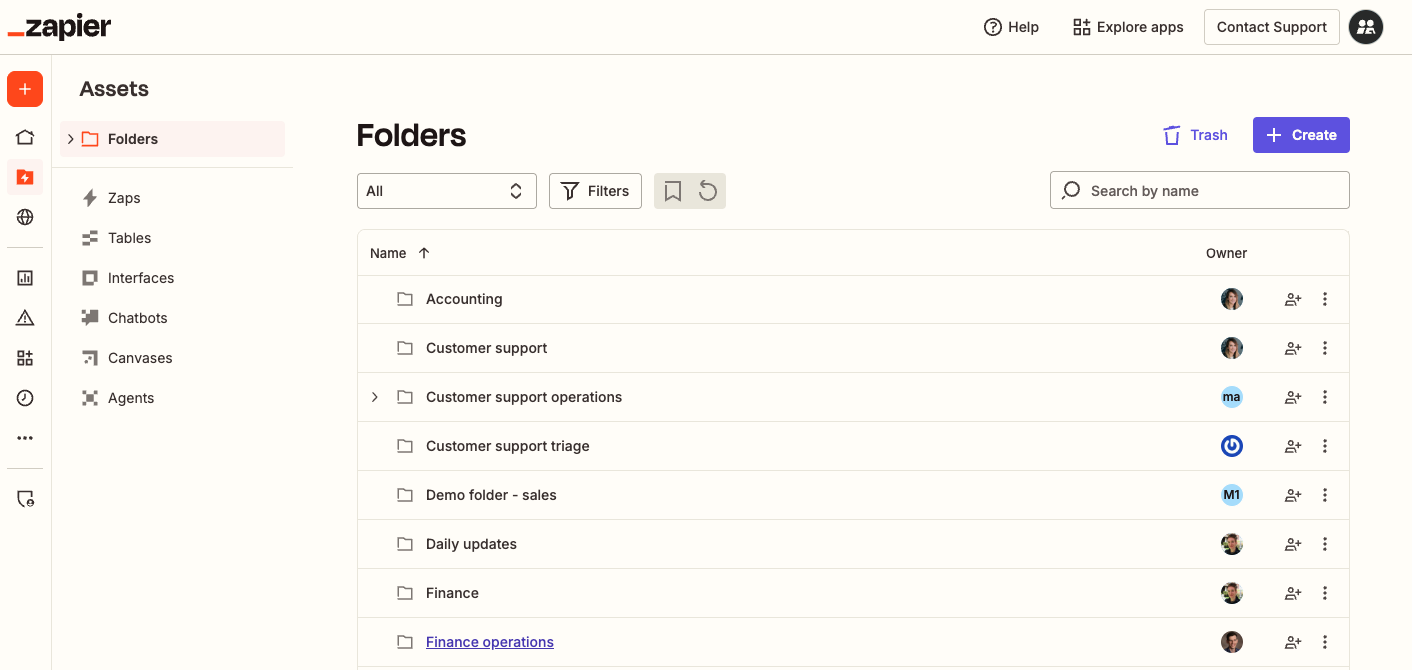
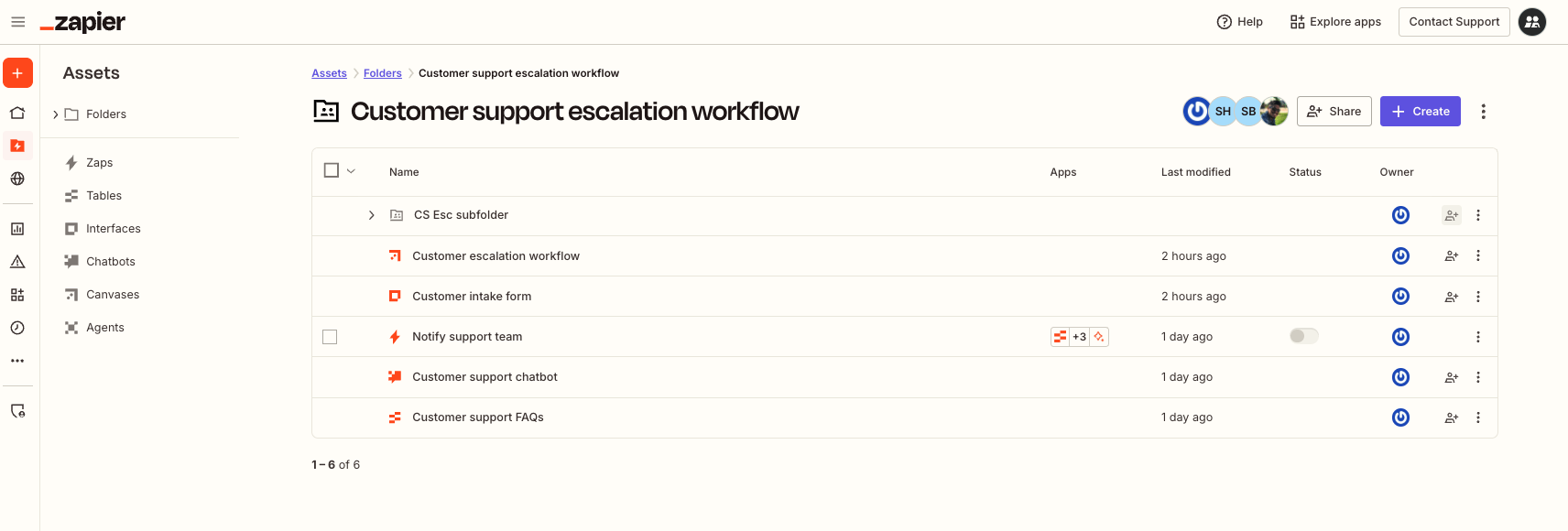
Introducing the new Assets page, a single location where you can organize, manage, and share your assets across all Zapier products–Zap workflows, Tables, Interfaces, Chatbots, Canvas, and Agents. We’ve standardized how it works across all products, making it easier than ever to build and maintain your business-critical workflows. Now, you can:
- View entire automation systems together, regardless of which Zapier products they use, or by product.
- Set up your automation systems with less friction and complexity.
- Support asset management at scale.
Learn more about how to view all assets in your Zapier account.
 Note
NoteThis new design is being rolled out to users in stages through the end of 2025. If you do not see this design, refer to specific product pages in the Help Center for more information on how to organize and manage your assets:
This information was accurate at the time of publication. Please check out the latest product update notes for any updates or changes.